
TL;DR: Revenium 2.10.0 delivers a redesigned navigation experience, Cmd+K global search, major MCP upgrades, and meaningful performance improvements. Plus a complete Cursor dashboard, new onboarding alerts, and a developer-friendly Jobs API overhaul.
Version 2.10.0 is live. This release focuses on making Revenium faster to navigate, easier to operate day-to-day, and stronger at the platform layer to power what comes next.
Here's what's new.
1) Cursor AI Coding Dashboard
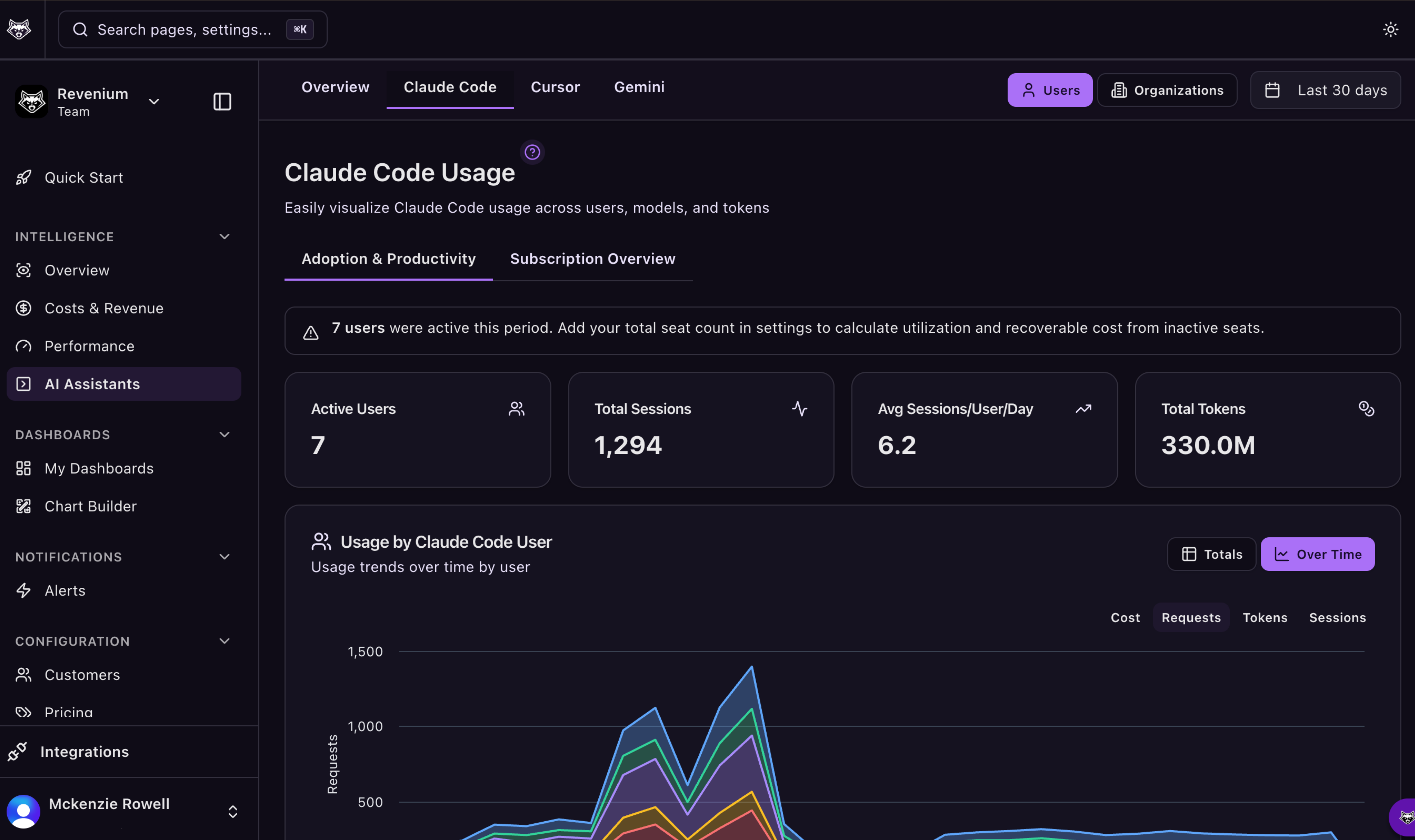
The trio is now complete. Revenium now ships dedicated dashboards for three major AI coding assistants: Claude Code, Gemini CLI, and Cursor. Each has its own tab in the AI Assistants page with real analytics.
If your team uses Cursor, you can now track its cost and usage alongside Claude Code and Gemini CLI in a single place with no more blind spots across your AI coding stack.
2) Navigation & dashboard redesign
We rebuilt the navigation to make getting around Revenium faster and more predictable, especially if you live in Performance and Attribution every day.
What changed:
- A new sidebar layout
- Tabbed page architecture
- Sticky headers for smoother workflows
- Costs & Revenue Attribution promoted to first-level tabs
- A new DateSelector component with calendar and presets across Performance and Attribution dashboards
The result: fewer clicks to the surfaces you use most, and less re-orienting when you switch contexts.
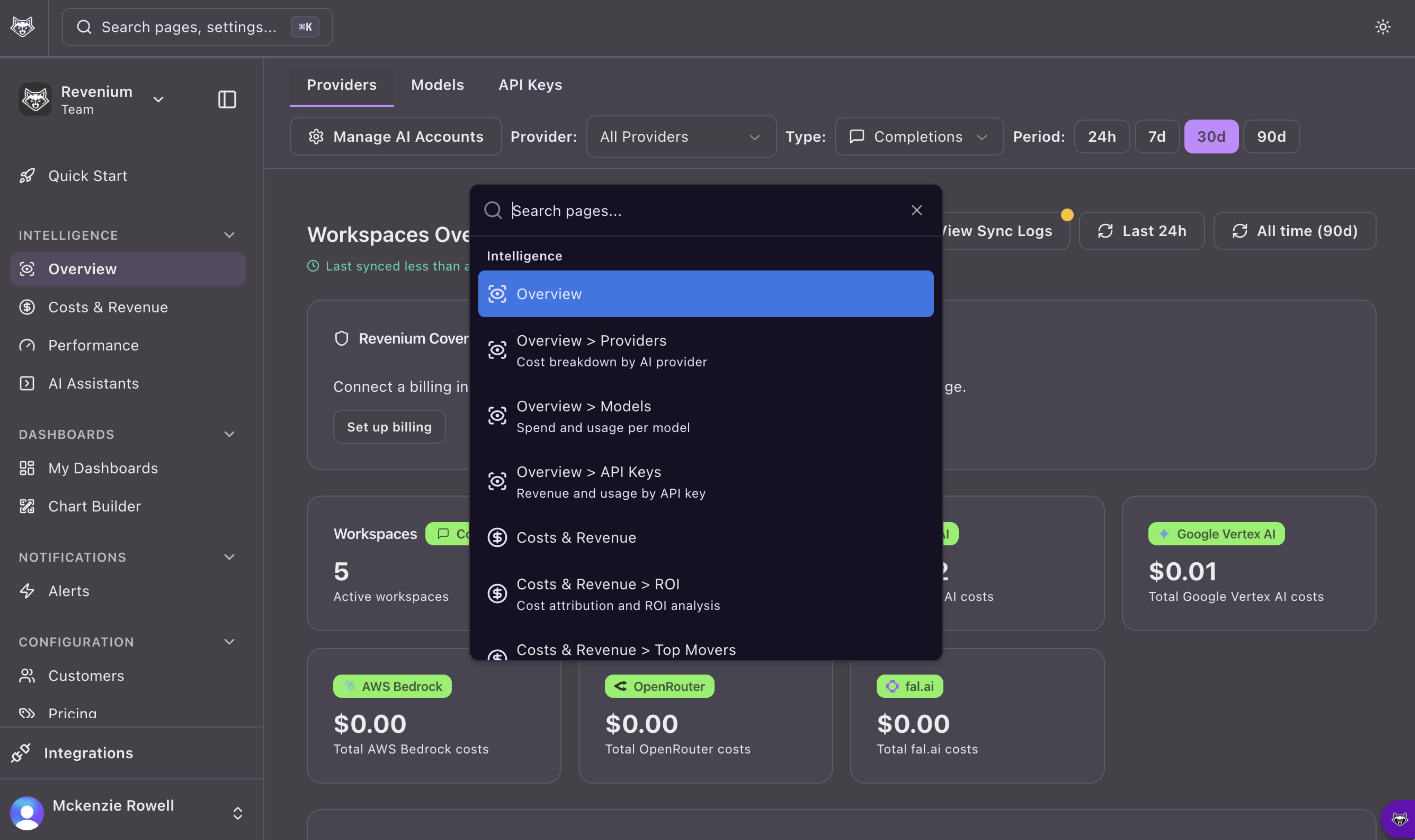
3) Cmd+K / Ctrl+K global search command palette
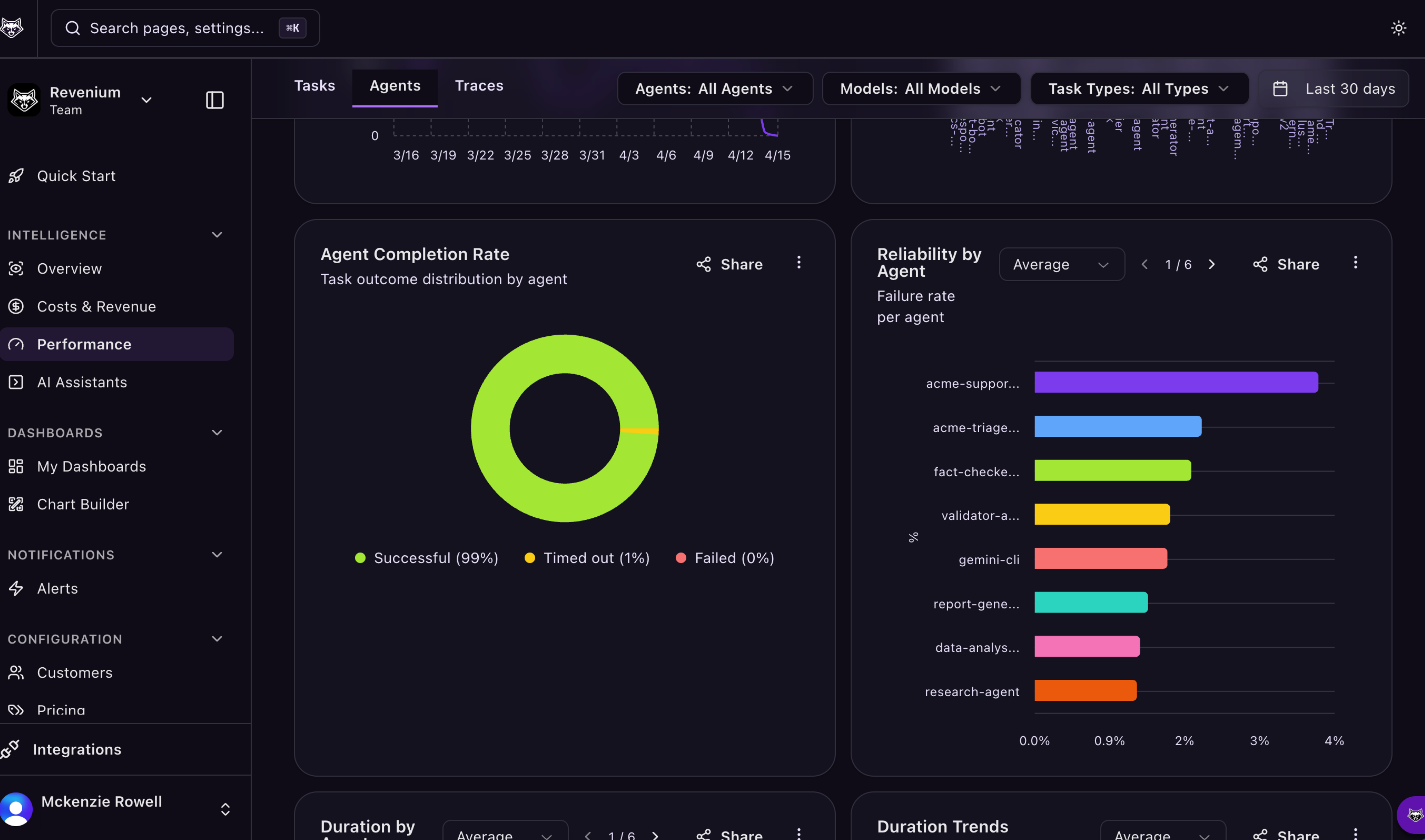
You can now hit Cmd+K (or Ctrl+K) to open a global search overlay and jump to any page, entity, or action across the app. It is the quickest way to move through Revenium when you are deep in the work.
While triaging a spike, Cmd+K takes you from a dashboard to the exact org, job, or entity you need in one keystroke. You don’t need to click through menus or re-navigate.
4) Platform upgrades (MCP server + performance)
We upgraded our MCP server foundation to FastMCP 3.x. This establishes the infrastructure for OAuth support and multi-tenant architecture. It also sets the stage for upcoming enterprise-grade access control.
This release delivered meaningful performance and reliability improvements across data processing and cost attribution, reducing overhead and keeping the platform responsive at scale. The result is a platform that stays responsive as usage and org complexity grow.
Teams running larger org structures and higher-volume pipelines should feel this directly through smoother navigation, more consistent performance, and a platform better positioned for the capabilities coming next.
Also in 2.10.0
A few smaller improvements worth knowing about:
- Default organization on login — Set a preferred org and go straight to it every time you sign in. No more manual switching.
- My Dashboards revamp — The dashboard list is now a sortable data table with starred dashboards for quick access.
- Coding assistant filter — A new
includeCodingAssistantstoggle on the Logs page lets you include or exclude Claude Code, Gemini CLI, and Cursor data from AI metrics queries.
This release also includes dozens of smaller improvements across our SDKs and our frontend and backend repositories.
Big thanks to the entire engineering team for another strong push forward!
Prefer to self-serve? Watch the Revenium platform walkthrough playlist on YouTube.
Or contact us and we will share a short demo.
Not using Revenium yet? Get started for free!